Project P.I.T.T. beginner guide — getting the duck loop going
The game gives you a pit, a duck, and a very simple job description. Everything after that is on you. Here's what the loop actually is, what to do in the first hour, and why you shouldn't stress about doing it "right".
Understand the loop first
Everything in Project P.I.T.T. orbits one cycle: craft something → feed the pit → get profit → build better machines to feed more → the pit grows. The official description calls it out plainly — chain combos for profit as the Maw grows hungrier and larger. So your real goal isn't "make ducks"; it's "make a machine that makes ducks while you watch".
First hour tips
- Start with your hands. Early on you craft ducks directly. Don't skip this step just to get to machines faster — manual crafting is how you learn what each piece does and how the pit reacts.
- Automate the boring part early. The satisfying pivot is the first contraption that feeds the pit without you. Aim for that as your first real project.
- Chase combos, not volume. The store pitch is blunt: chain combos for profit. Carefully lined-up feeds pay better than dumping ducks in randomly. Experiment with order and timing.
- Save anytime, so experiment like an idiot. The game has save-anytime and zero timed pressure. Break things, rebuild them, walk away mid-disaster and come back — nothing is wasted while you're learning.
- Watch what the Maw does as it grows. A hungrier pit is the game's way of escalating. If your current setup stops keeping up, that's the game telling you your machine needs to get smarter.
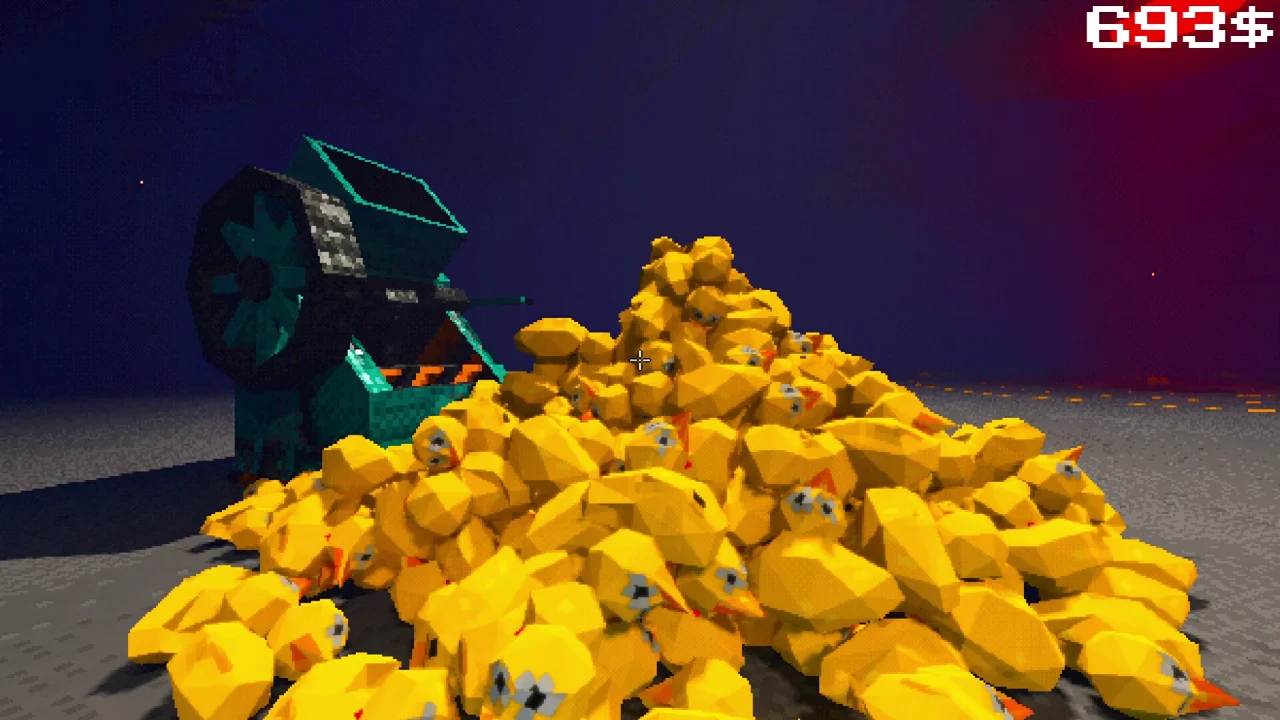
If something breaks your build
Launch-week players reported that the game could wipe out a finished build, which stung. The developer apologised in the review thread and pushed an update targeting that mechanic. If your build still gets destroyed after the patch, that's worth reporting — right now the dev is actively watching feedback.
The comfort settings are real
Worth knowing before you buy: full controller support, adjustable text size, custom volume controls, camera comfort options, and a "playable without timed input" flag on the store page. If you play on a couch, an old laptop, or with accessibility needs in mind, this is a friendlier game than its PSX-grime look suggests.
What it needs to run
- OS: Windows 10 64-bit (also on Mac and Linux)
- CPU: Intel i3-6100 / AMD FX-6300 (minimum)
- RAM: 4 GB
- GPU: GTX 750 Ti / RX 460
The short version
- Craft by hand first, automate second, combo always.
- No timers, save anytime — the game is meant to be poked at.
- If the demo (free on itch.io) grabs you, the full game is more of the same.